RHEUMATOID ARTHRITIS & THE JAK-STAT PATHWAY

MScBMC @ UofT

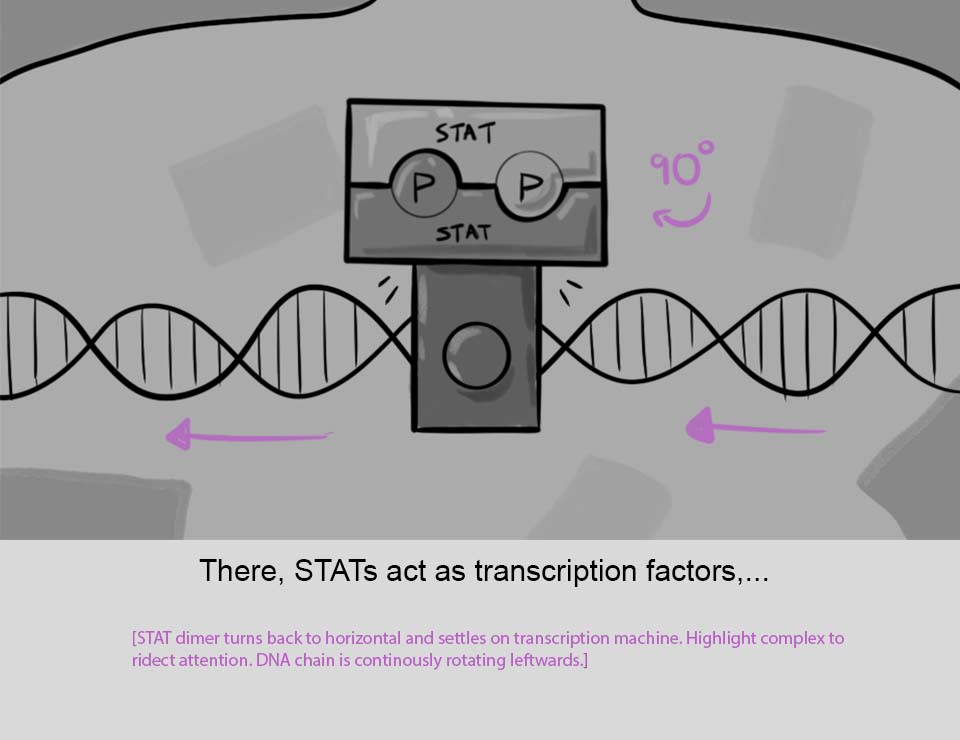
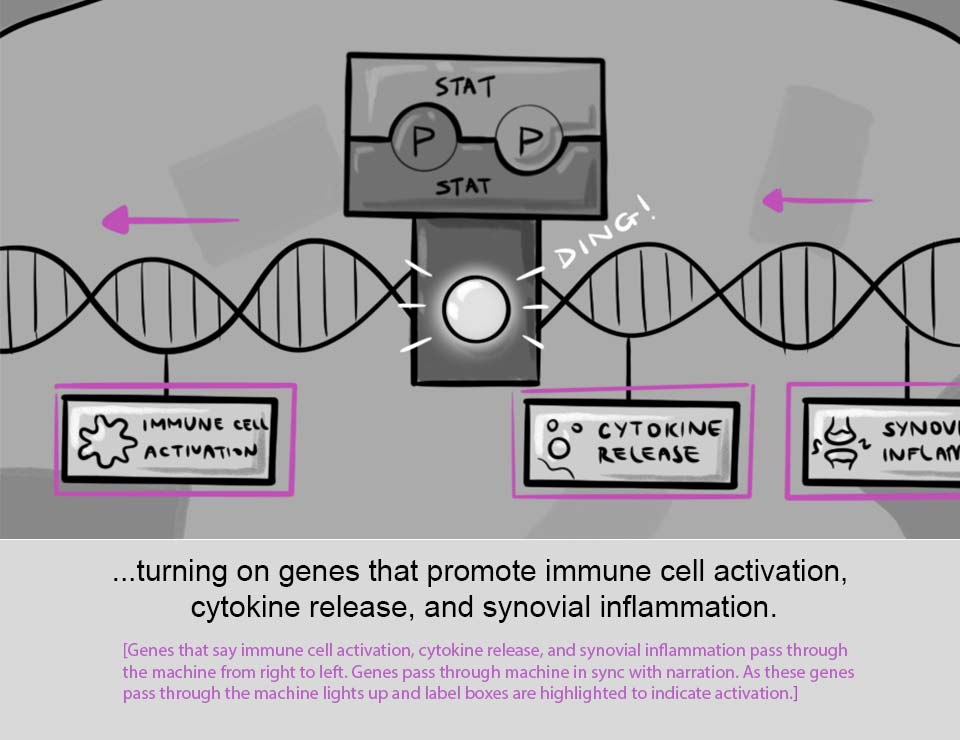
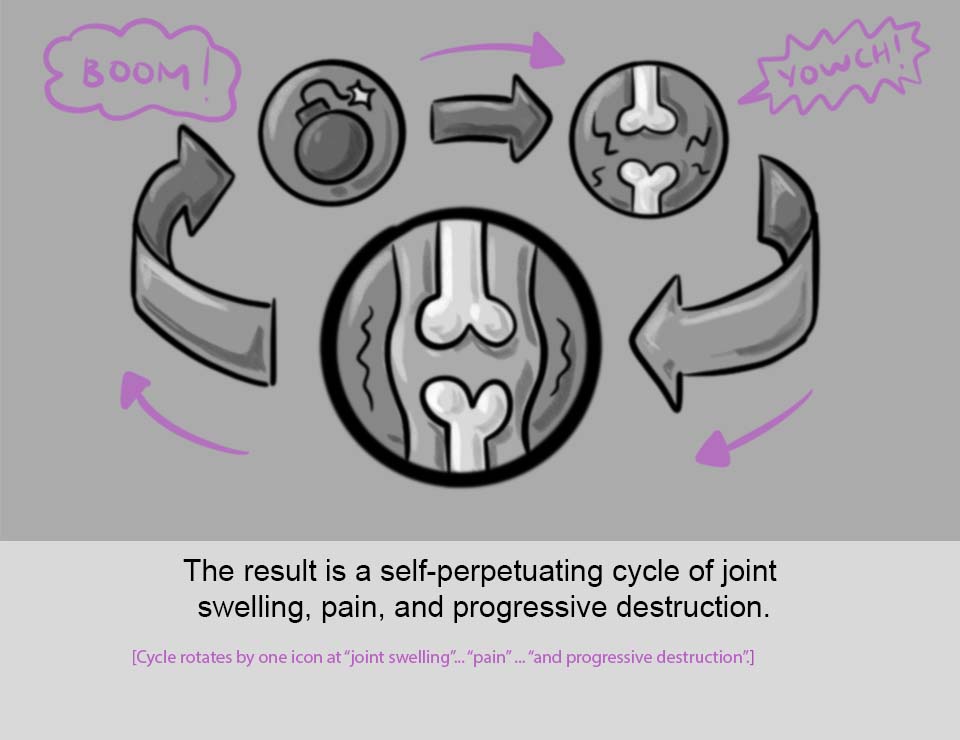
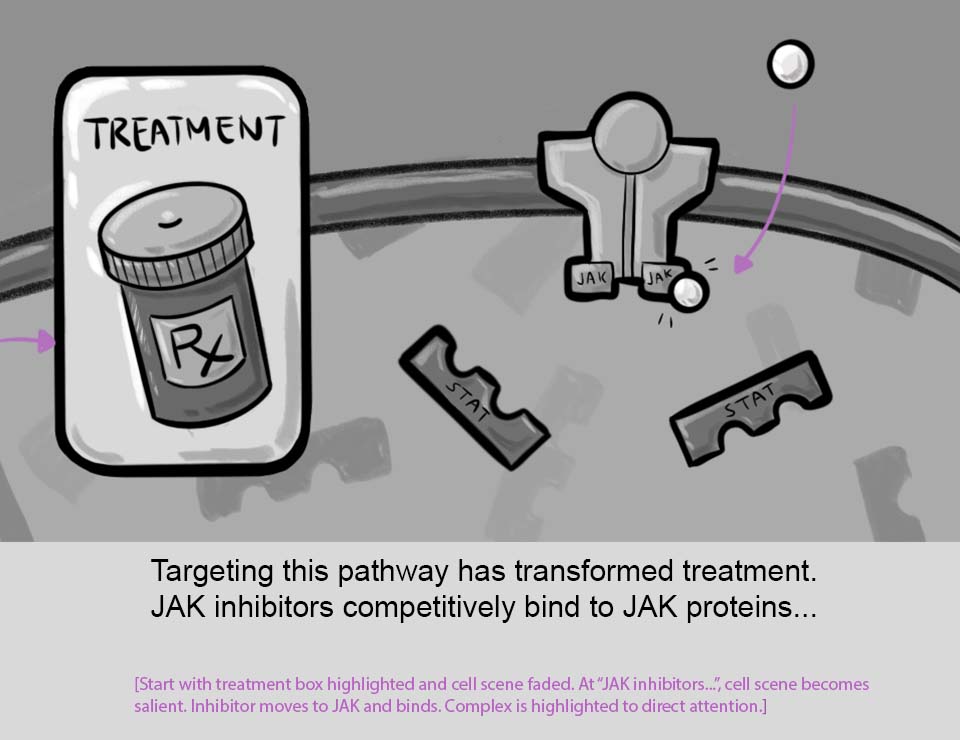
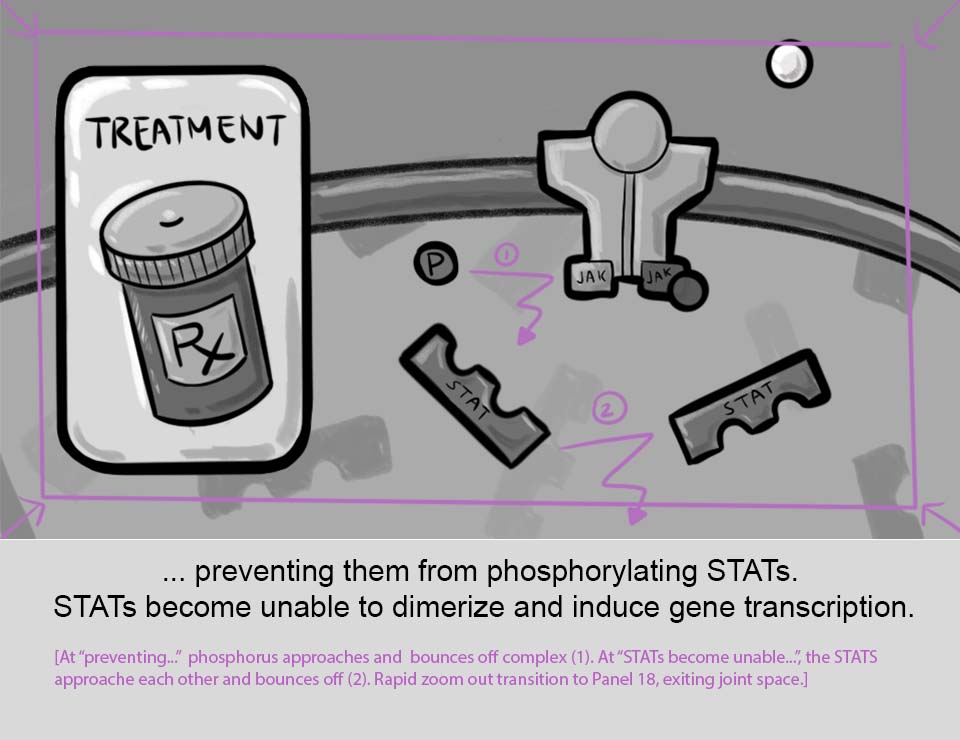
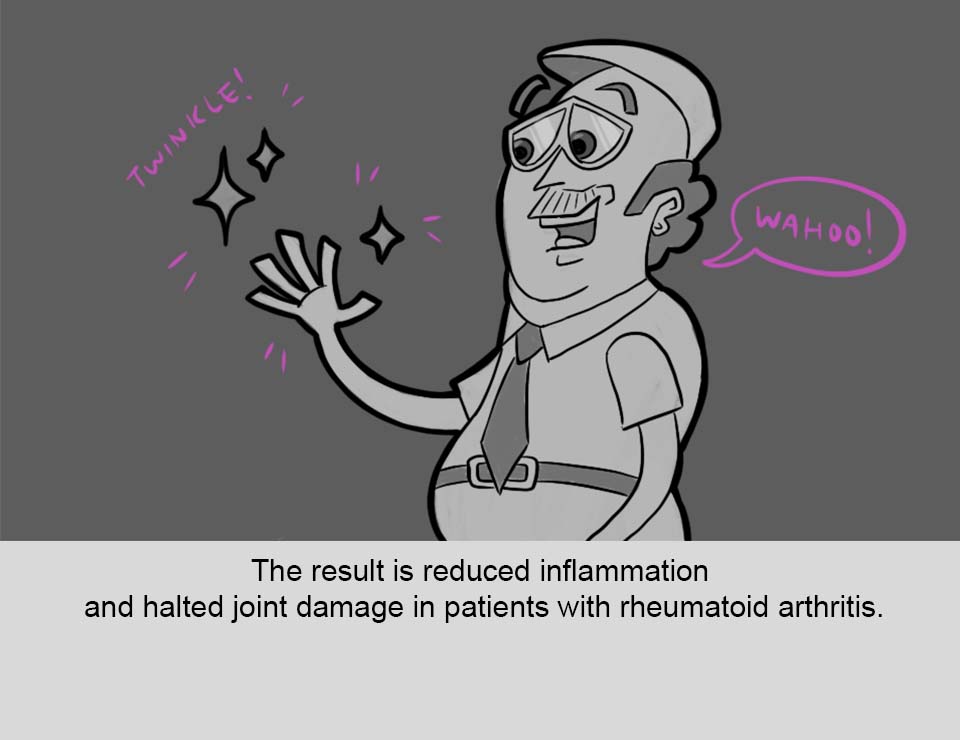
A short animation made for Peter Leynes' 2D medical animation class in the Masters of Biomedical Communications program at the University of Toronto. This was a collaborative project between myself, Athena Li, and Raymond Zhang that described the role of the JAK-STAT pathway in rheumatoid arthritis. We also took this opportunity to make this project our homage to the Saturday-morning cartoons that we used to watch as kids.

TARGET AUDIENCE

General Audience

TOOLS USED

Adobe After Effects

Adobe Premiere Pro

Opentoonz

Adobe Photoshop

Adobe Illustrator

Audacity

Ableton
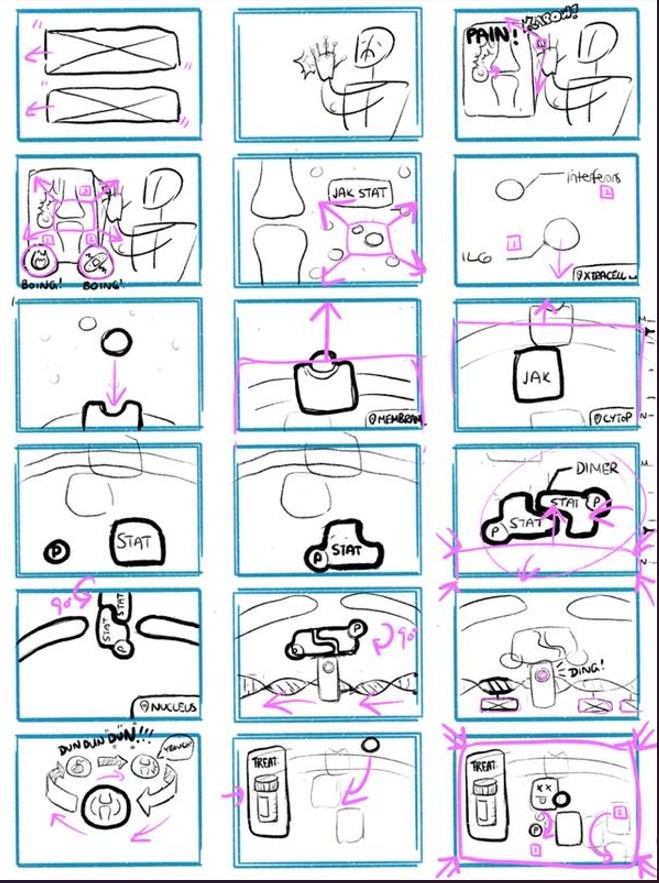
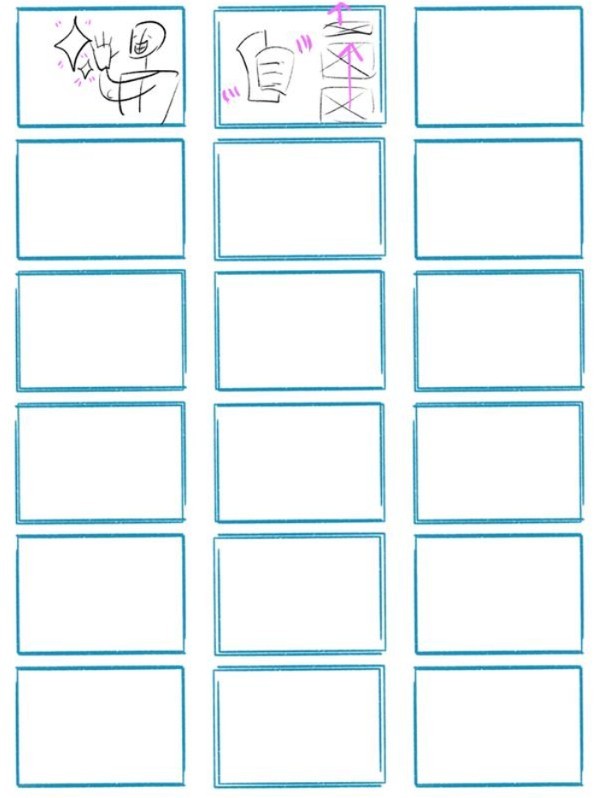
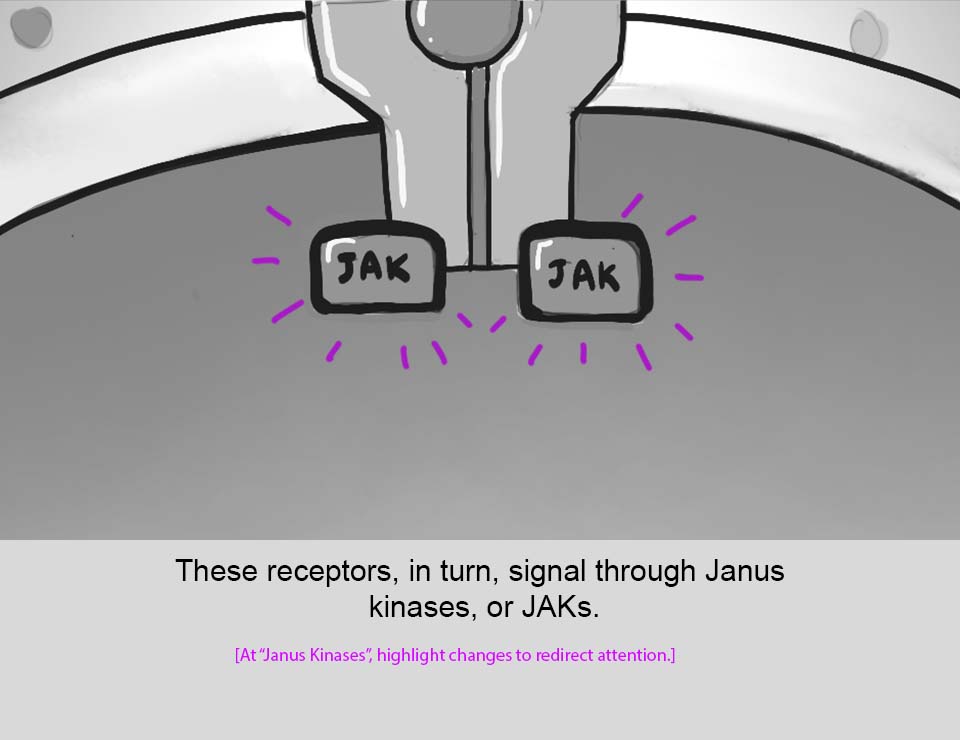
Figure 1:

The initial rough layout of the piece
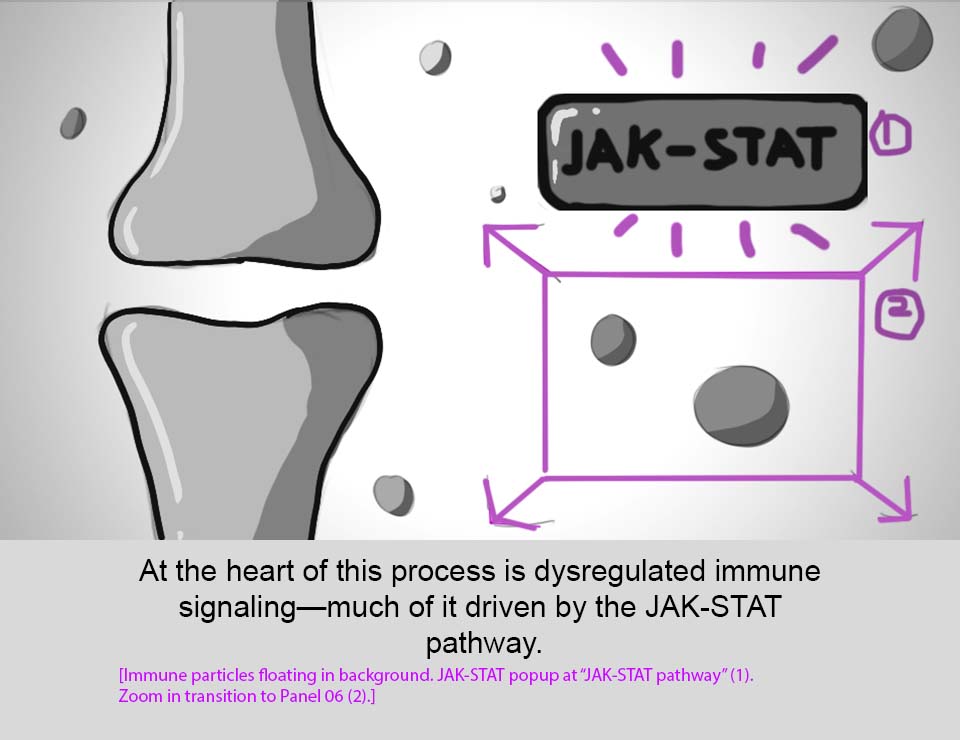
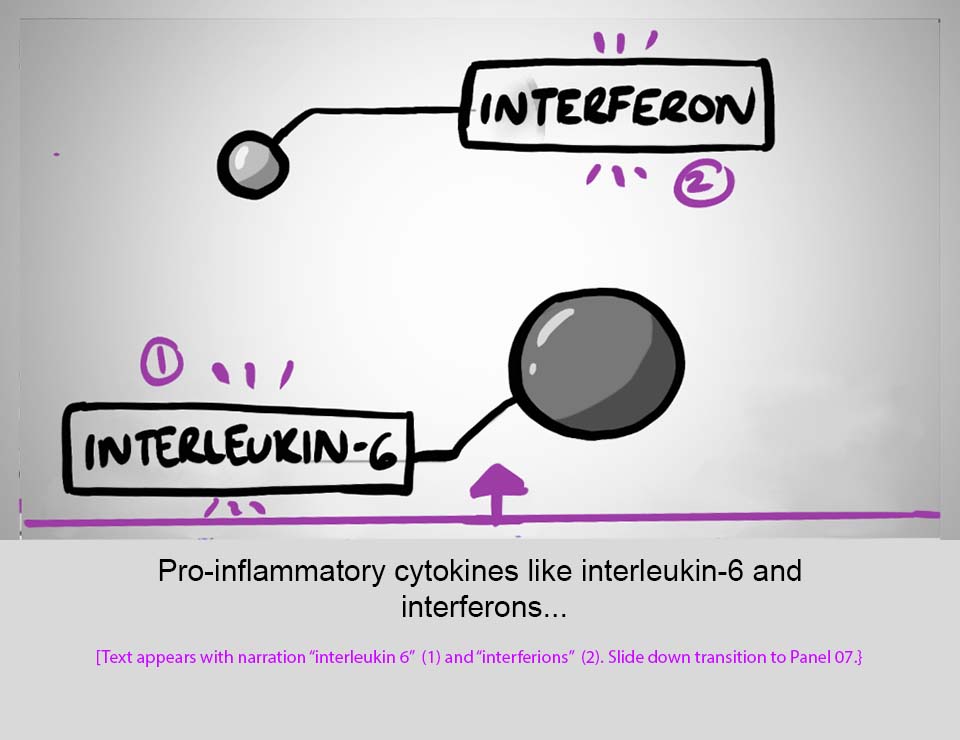
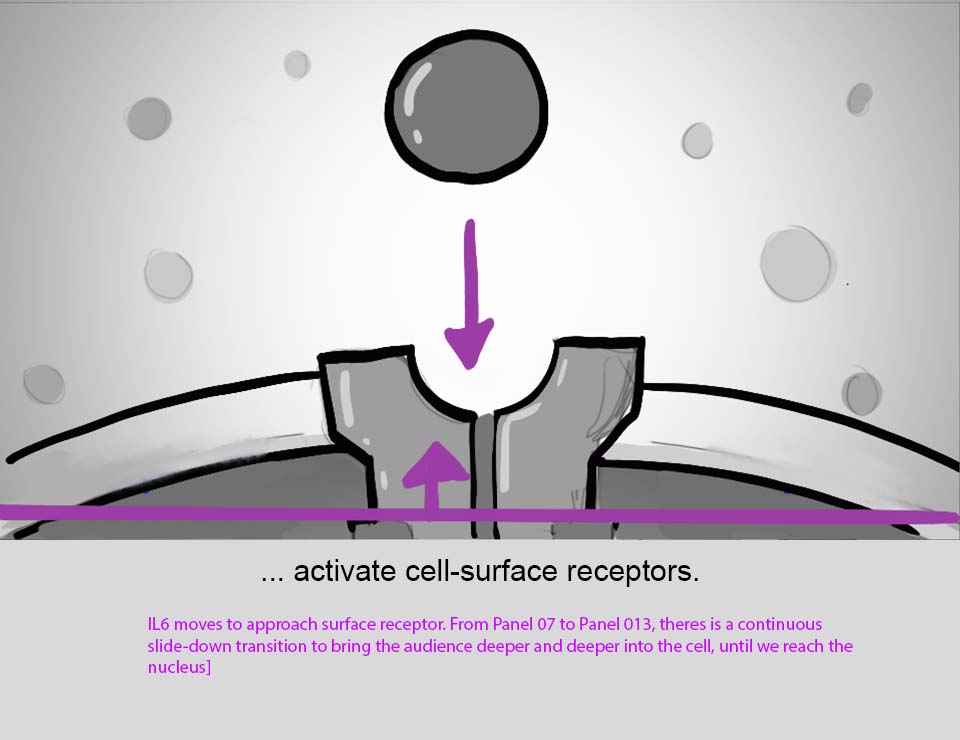
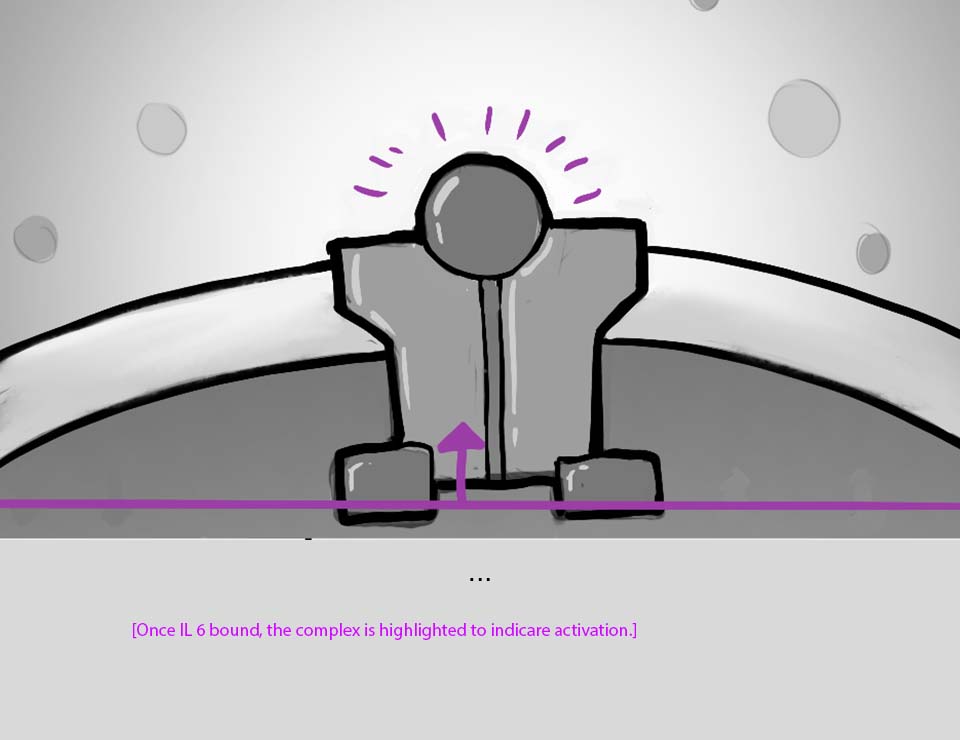
1) STORYBOARD

Using a script provided by Peter, we storyboarded out the initial ideas for our animation. This part of the workflow was where we collaboratively figured out the main story beats while trying to create possible scene layouts that would match the script and effectively convey the message.

1) STORYBOARD

Using a script provided by Peter, we storyboarded out the initial ideas for our animation. This part of the workflow was where we collaboratively figured out the main story beats while trying to create possible scene layouts that would match the script and effectively convey the message.

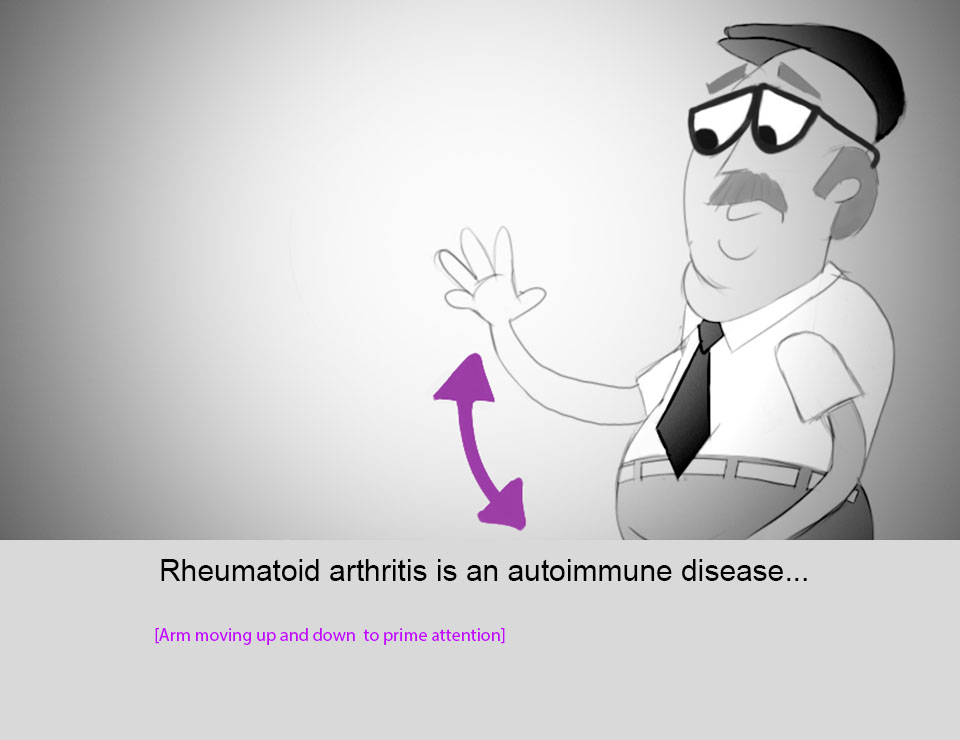
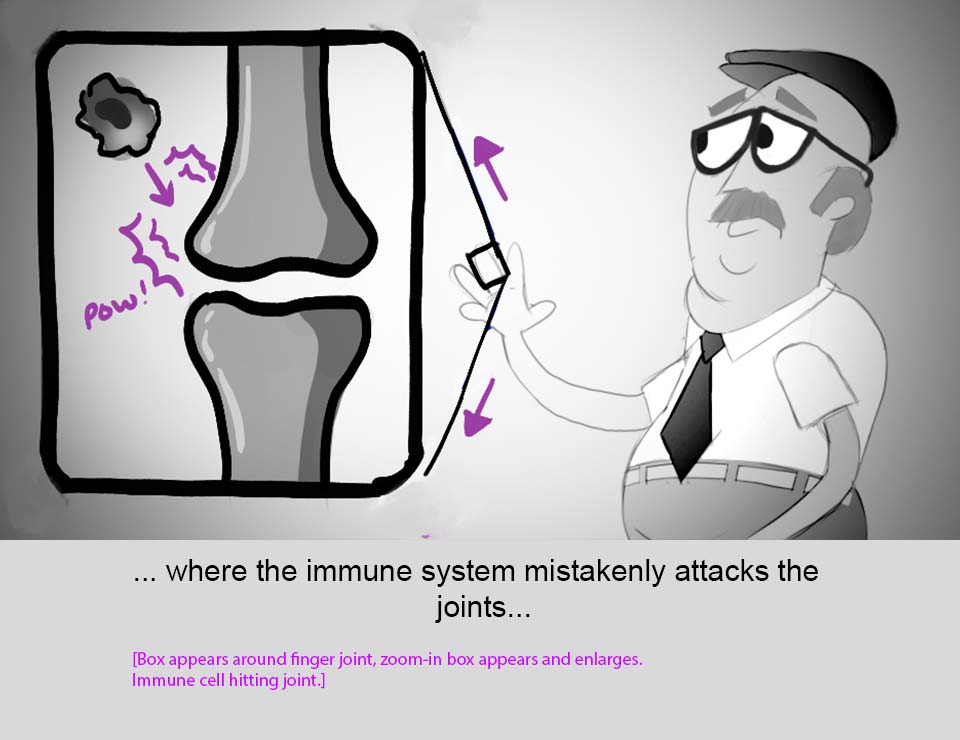
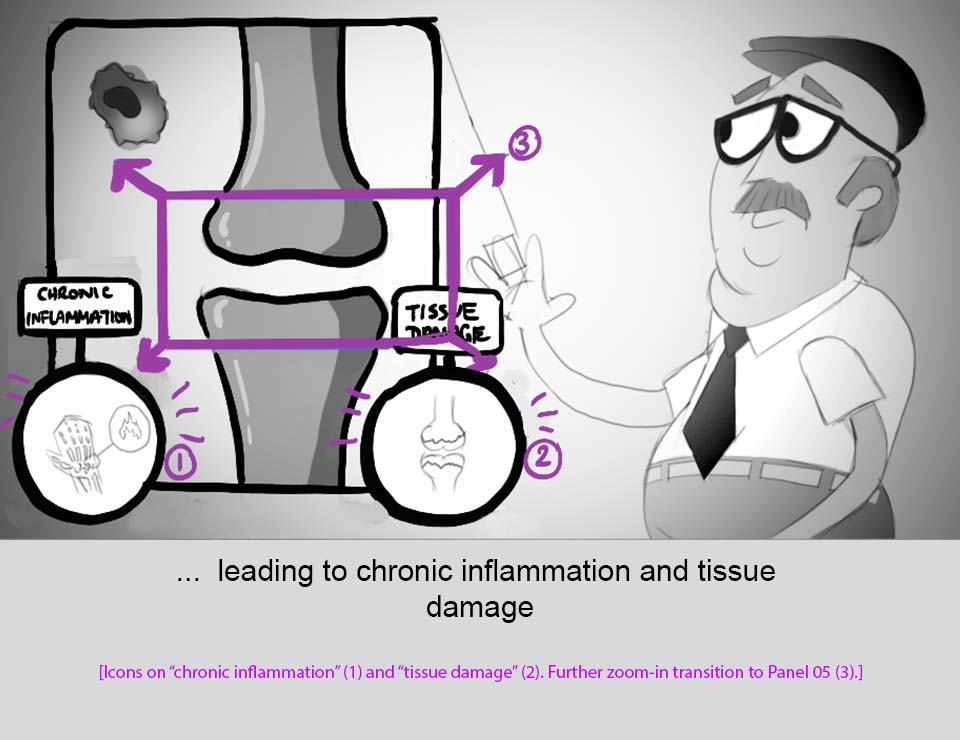
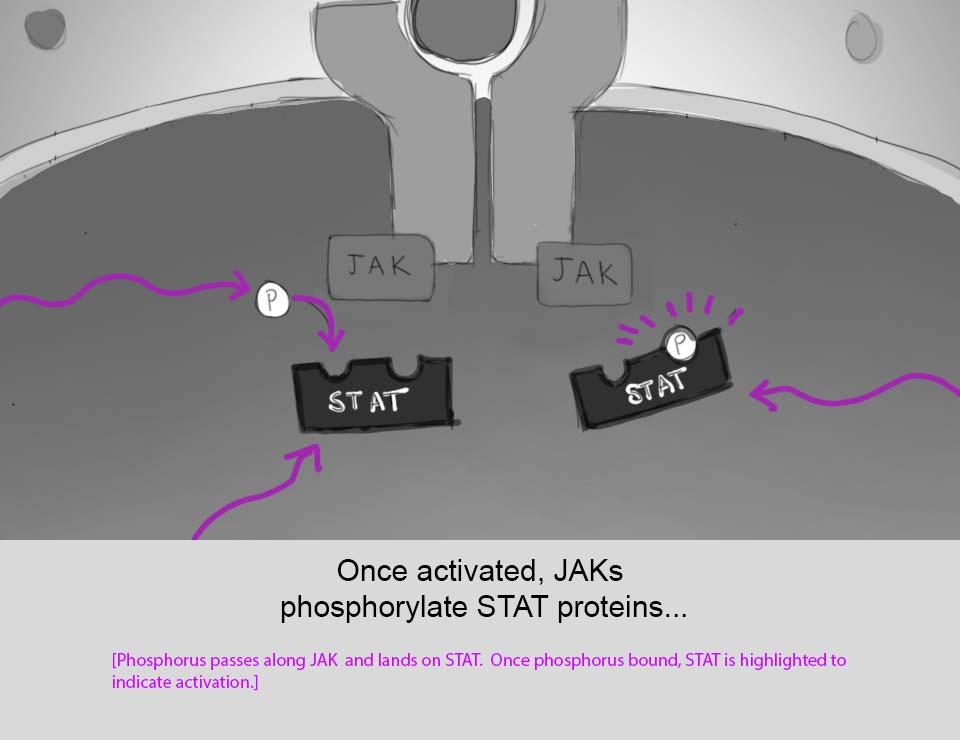
Figure 2:

The refined storyboard

2) REFINED STORYBOARD

With the basic themes and ideas blocked out, we refined our storyboard to begin figuring out the style of the animation and begin thinking about how we wanted to present our final animation.

2) REFINED STORYBOARD

With the basic themes and ideas blocked out, we refined our storyboard to begin figuring out the style of the animation and begin thinking about how we wanted to present our final animation.

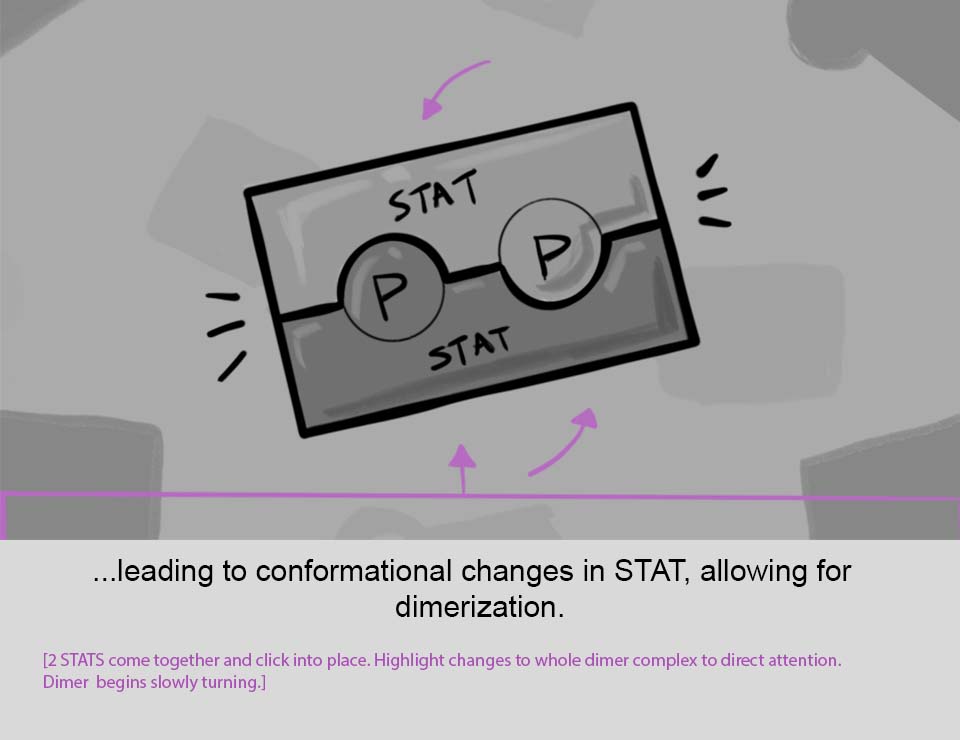
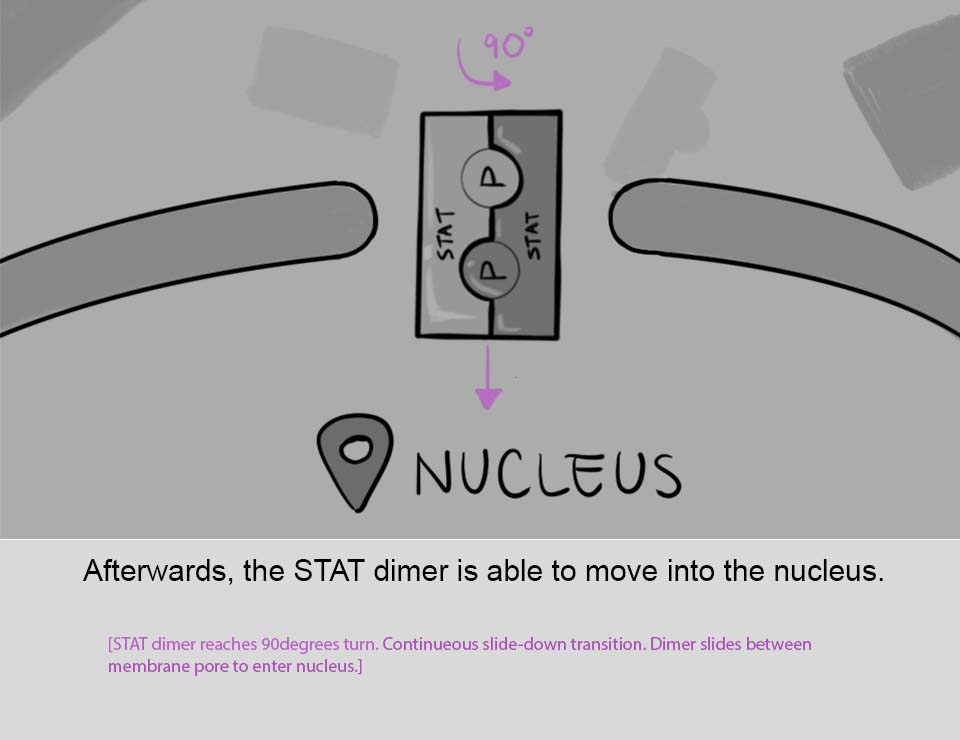
3) ANIMATIC

Somewhere during the planning process, we decided to push the boundaries of this assignment and try to replicate the old cartoons we used to watch as kids. This thematic choice guided many of our design choices from this point onwards. In the animatic, for example, we made the choice to use background music and voice-over narration that was reminiscent of old 1950's educational videos. While I acted as the "audio engineer" on this project, I must give full credit to Raymond for his voice acting skills, for which I feel is the soul of this project. Thanks Raymond!


We compiled the storyboard panels together with all of the audio components in Adobe Premiere Pro, making sure to keep an eye on timing of the major story beats.

3) ANIMATIC

Somewhere during the planning process, we decided to push the boundaries of this assignment and try to replicate the old cartoons we used to watch as kids. This thematic choice guided many of our design choices from this point onwards. In the animatic, for example, we made the choice to use background music and voice-over narration that was reminiscent of old 1950's educational videos. While I acted as the "audio engineer" on this project, I must give full credit to Raymond for his voice acting skills, for which I feel is the soul of this project. Thanks Raymond!


We compiled the storyboard panels together with all of the audio components in Adobe Premiere Pro, making sure to keep an eye on timing of the major story beats.

Figure 3:

The animatic

4) ASSET CREATION - BACKGROUNDS

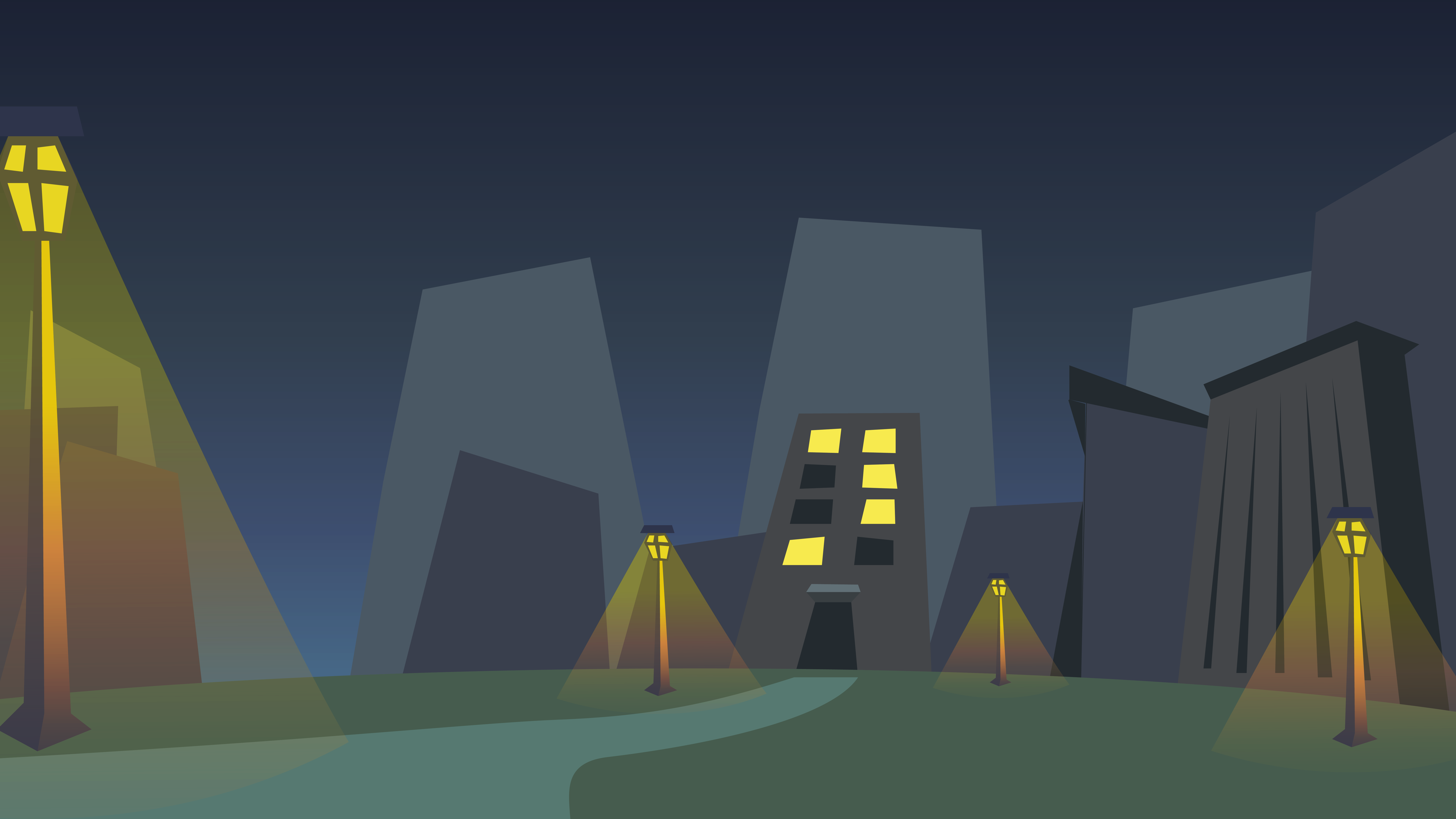
Following the pre-production phase, we began creating all of the assets to be used in the final animation. For most of the assets, we relied on the storyboard as reference, but there were some instances where things needed further refinement in order to be polished enough for the final product. For example, I was tasked with creating the backgrounds to be used for the "old man" character scenes. Trying to stay true to our homage to cartoons, I used references from old cartoons, like the old Looney Tunes episodes, Dexter's Laboratory, Samurai Jack, and Powerpuff Girls. I then used Illustrator to create backgrounds with separated components that could later be imported into After Effects to be animated.

4) ASSET CREATION - BACKGROUNDS

Following the pre-production phase, we began creating all of the assets to be used in the final animation. For most of the assets, we relied on the storyboard as reference, but there were some instances where things needed further refinement in order to be polished enough for the final product. For example, I was tasked with creating the backgrounds to be used for the "old man" character scenes. Trying to stay true to our homage to cartoons, I used references from old cartoons, like the old Looney Tunes episodes, Dexter's Laboratory, Samurai Jack, and Powerpuff Girls. I then used Illustrator to create backgrounds with separated components that could later be imported into After Effects to be animated.

Figure 4a:

Custom Background for the "Old Man" Night scene
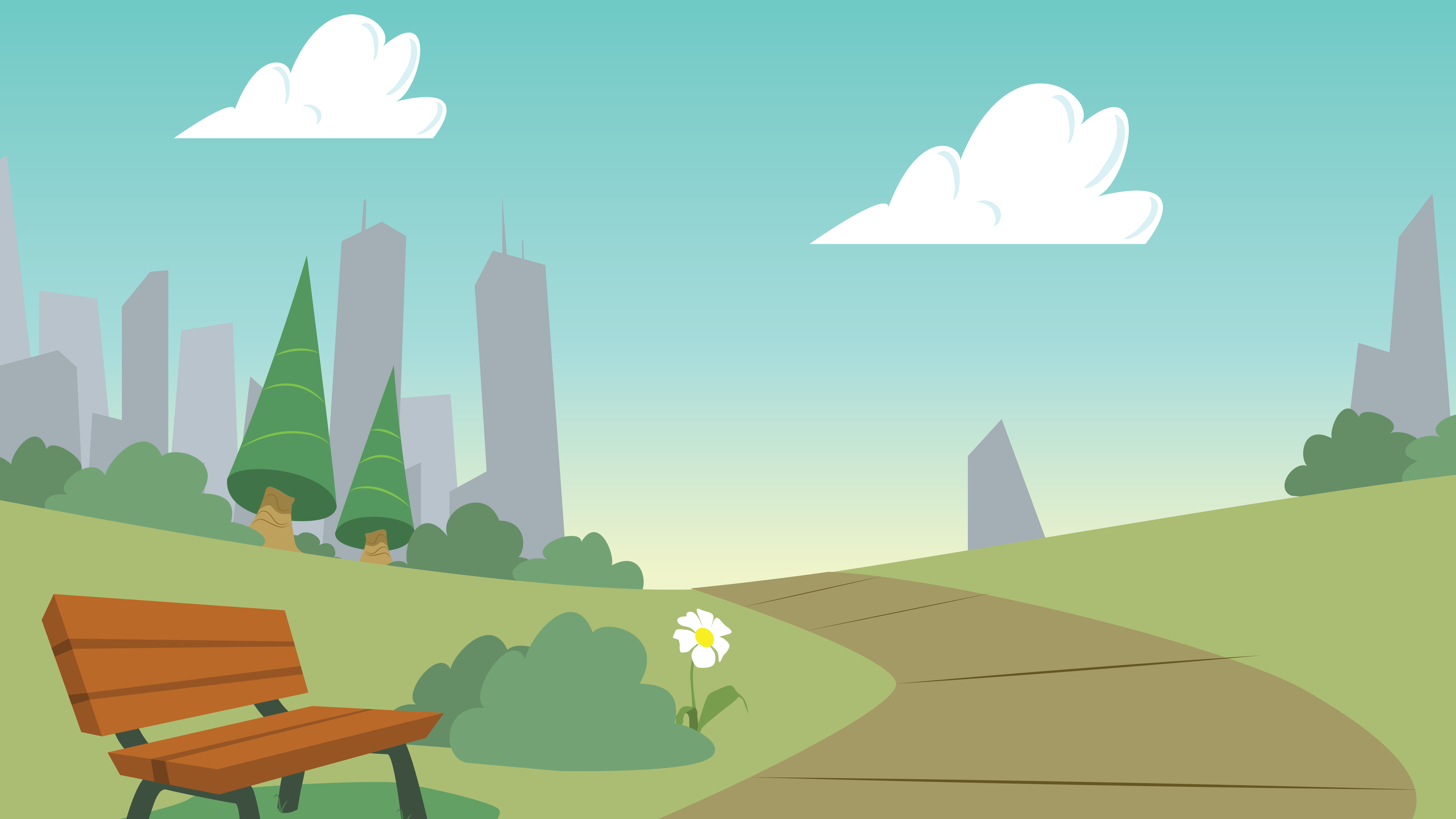
Figure 4b:

Custom Background for the "Old Man" Day scene

5) ASSET CREATION - ROTATING ARROWS

One scene required rotating arrows with circular icons, akin to a merry-go-round. We initially thought of creating this in 3D and then importing the 3D objects into After Effects, but we were worried that we might lose the "cartoony" effect that we were going for so we opted to do everything in 2D. (We also wanted to try and practice the 2D frame-by-frame animation skills that Peter taught us, so this was a perfect opportunity to do so).


I used Opentoonz to create a rough frame-by-frame animation for the rotating arrows, which would act as a template for the next step. We then brought these frames into Illustrator and traced out each arrow - basically creating a set of arrows assigned for each frame. It was labour intenstive, but it I think the effect came through - giving us a 3D feel while looking 2D.

5) ASSET CREATION - ROTATING ARROWS

One scene required rotating arrows with circular icons, akin to a merry-go-round. We initially thought of creating this in 3D and then importing the 3D objects into After Effects, but we were worried that we might lose the "cartoony" effect that we were going for so we opted to do everything in 2D. (We also wanted to try and practice the 2D frame-by-frame animation skills that Peter taught us, so this was a perfect opportunity to do so).


I used Opentoonz to create a rough frame-by-frame animation for the rotating arrows, which would act as a template for the next step. We then brought these frames into Illustrator and traced out each arrow - basically creating a set of arrows assigned for each frame. It was labour intenstive, but it I think the effect came through - giving us a 3D feel while looking 2D.

Figure 5:

Rough frame-by-frame animation for the rotating arrows
6) ASSET CREATION - DNA HELIX

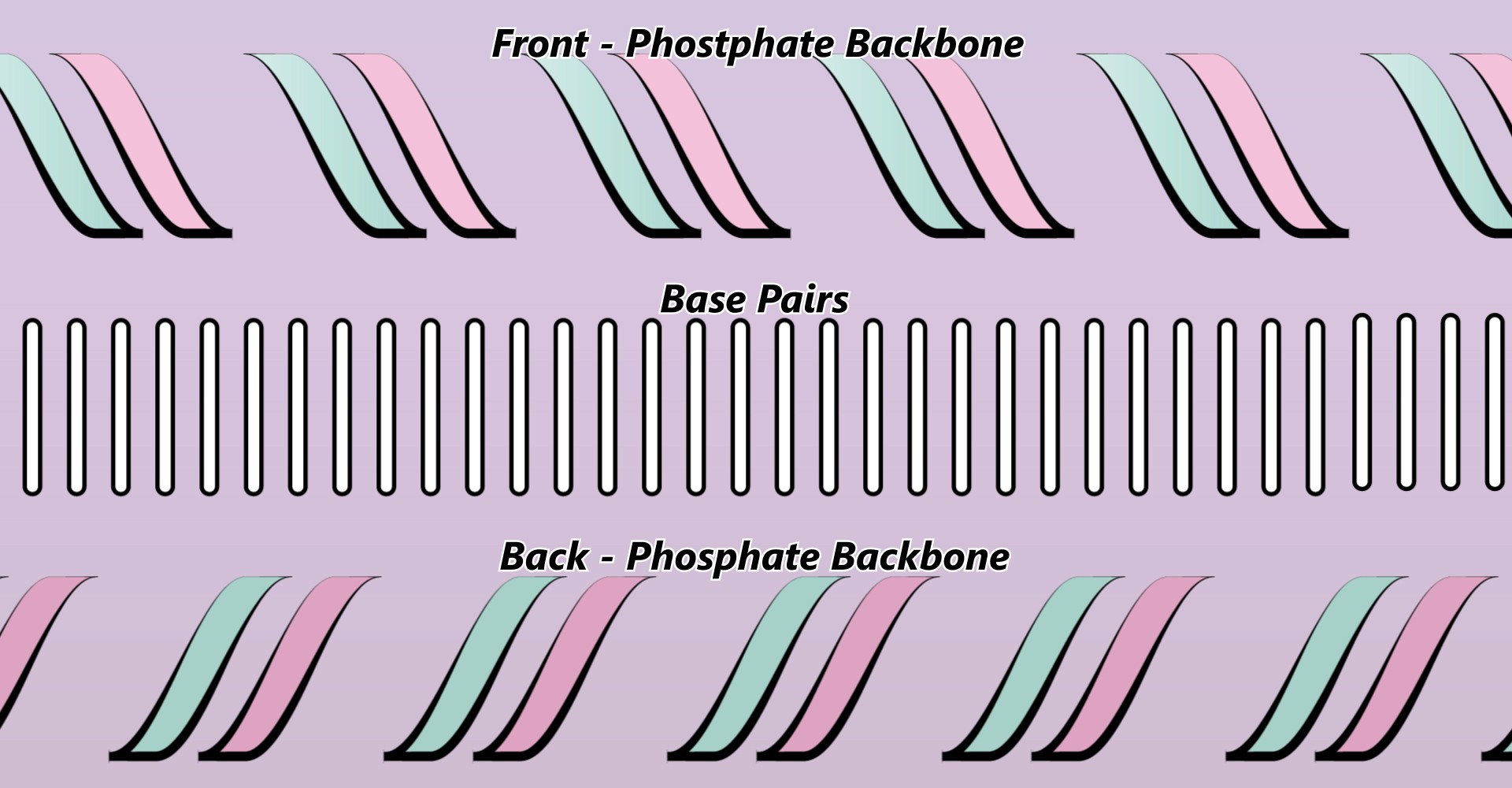
The DNA helix scene was similar to the rotating arrows, in that it inherently needed to represent 3D objects, but still maintain a 2D style. Our solution to this was to create the double-stranded backbone as 2 objects/layers - front and back. Then the base pairs would be a separate object that would be in-between them. Then, in After Effects, we created a mask around the base pairs object (matching the edges of the phosphate backbone) so that the edges of the base pairs wouldn't protrude outside of the double-helix. To sell the effect of the helix moving laterally, the base pairs object was made to move faster than the phosphate backbone object. All together, these "tricks" made it seem as if the DNA helix was moving towards the left of the screen.

6) ASSET CREATION - DNA HELIX

The DNA helix scene was similar to the rotating arrows, in that it inherently needed to represent 3D objects, but still maintain a 2D style. Our solution to this was to create the double-stranded backbone as 2 objects/layers - front and back. Then the base pairs would be a separate object that would be in-between them. Then, in After Effects, we created a mask around the base pairs object (matching the edges of the phosphate backbone) so that the edges of the base pairs wouldn't protrude outside of the double-helix. To sell the effect of the helix moving laterally, the base pairs object was made to move faster than the phosphate backbone object. All together, these "tricks" made it seem as if the DNA helix was moving towards the left of the screen.

Figure 6a:

Exploded view of DNA Helix components

To sell the effect of the helix moving laterally, the base pairs object was made to move faster than the phosphate backbone object. All together, these "tricks" made it seem as if the DNA helix was moving towards the left of the screen.

To sell the effect of the helix moving laterally, the base pairs object was made to move faster than the phosphate backbone object. All together, these "tricks" made it seem as if the DNA helix was moving towards the left of the screen.

Figure 6b:

DNA Helix animation

7) FINAL ANIMATION & SOUND DESIGN

With all of the components completed, we were able to put together the animation in After Effects, adding camera shake and other effects to finalize the piece. But what are cartoons without sounds?


I imported the final animation into Ableton and went frame-by-frame to search for places where sound effects could be added. I then scoured the internet for CC0 sounds (most notabliy Freesound.org).
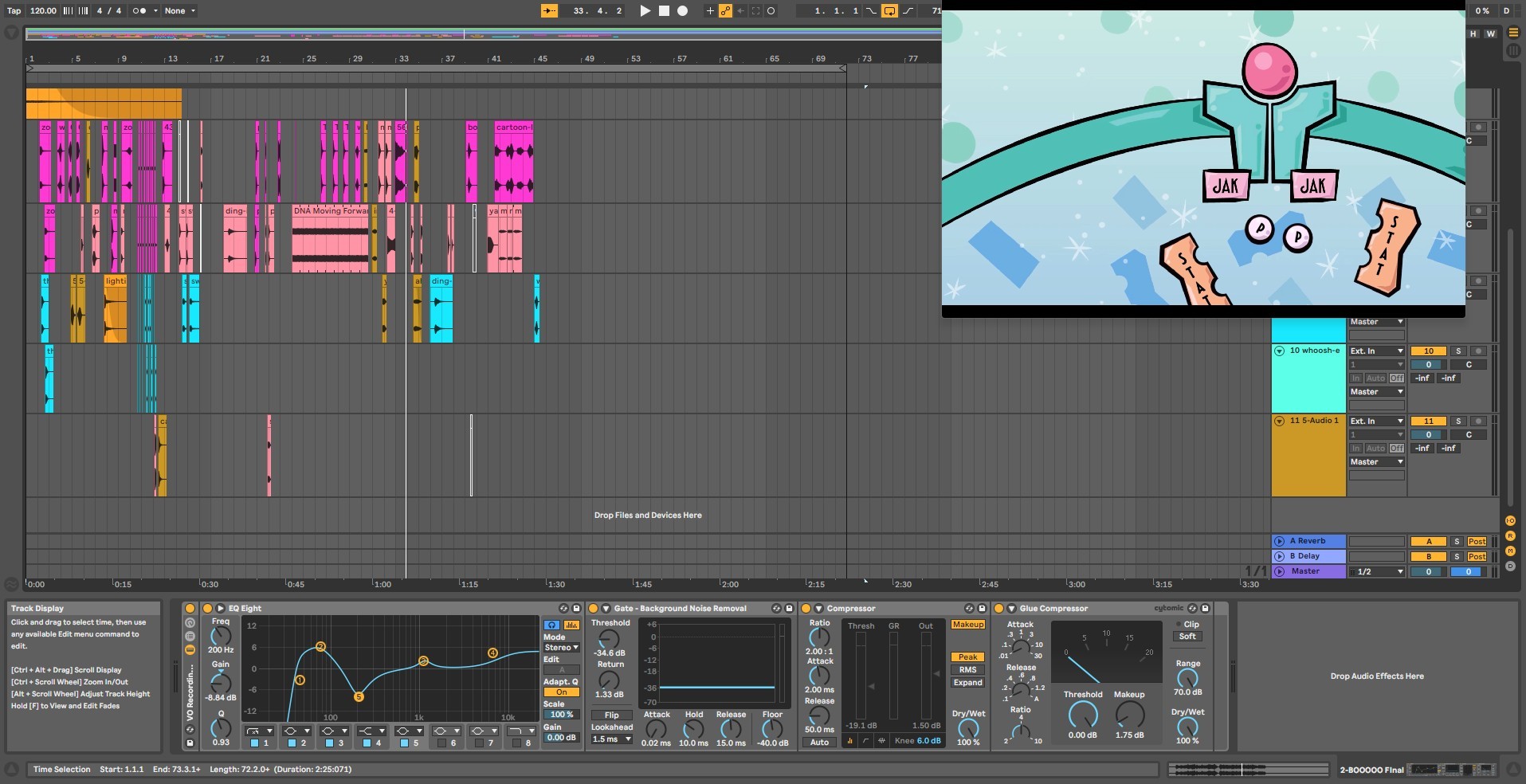
Figure 7:

Sound Design in Ableton

All in all, we were very pleased with the final animation. We had set out to create an educational animation about Rheumatoid Arthritis and the JAK-STAT pathway, but we wanted to put our own spin on it. When we settled on the idea of creating an homage to the cartoons we love, all of our design choices fell in place - from the style and design to the music and audio choices. Click here to see the final animation.

© 2025 Shanghar Roy Kulananthan. All rights reserved.

© 2025 Shanghar Roy Kulananthan. All rights reserved.

Create a free website with Framer, the website builder loved by startups, designers and agencies.